 Voxilin← Back to the siteBook a Call
Speech Assistance · Calgary, Canada
Turning Everyday Writing into a Confident Conversation
Website and App — Mobile App
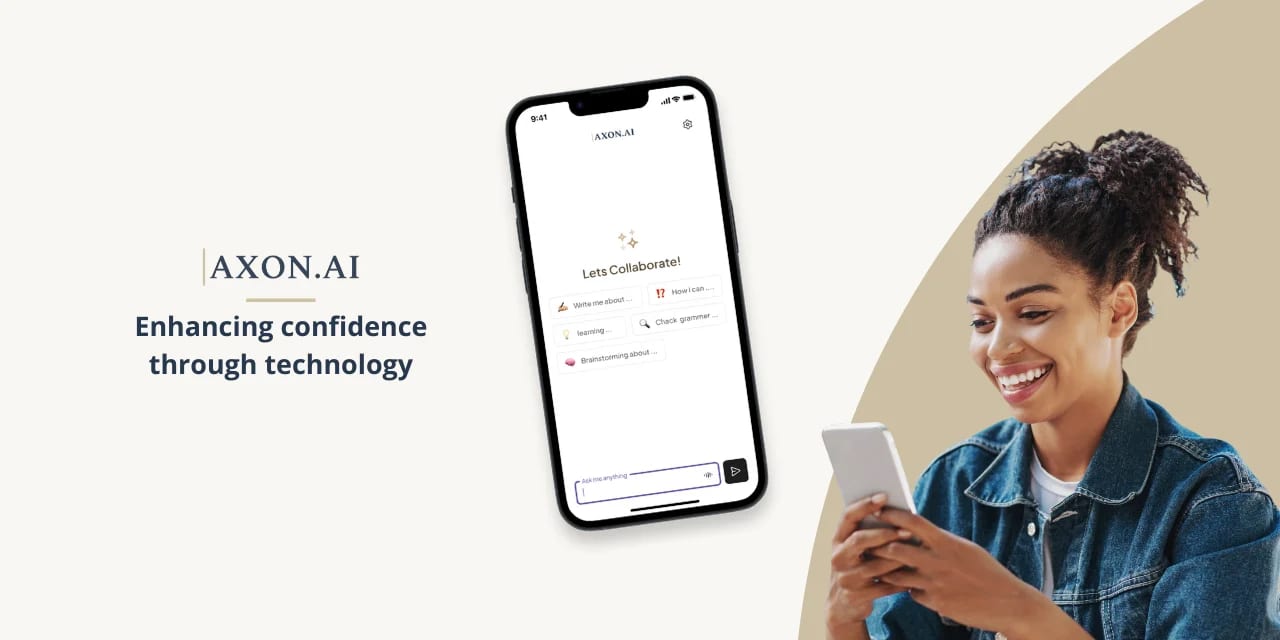
For a Calgary client, we designed an app that helps people with speech problems write with confidence. Users speak instead of type, hear replies read aloud, draft messages with AI and adjust their tone, all in a calm, simple design built for independence.
- To sell out the first run
- 48h
- Earned impressions
- 12M
- Days of paid media
- 11
Writing shouldn’t feel like a test
A Calgary-based team came to us with an idea built around a simple truth: for many people, everyday writing is harder than it looks. A quick text, a work email or a holiday card can mean staring at a blank screen, typing slowly, second-guessing every word and worrying about how the message will come across. Long blocks of text can be just as tiring to read. The client wanted an app that would take that pressure away, and help people communicate clearly and confidently on their own.
Discovery, and finding where writing breaks down
We started by mapping the moments where written communication tends to break down. Four stood out: getting started on a blank page, getting spelling and grammar right, reading long responses, and finding the right tone for the right audience.
Those moments shaped the principles behind every screen. Users should be able to speak instead of type, and listen instead of read. They should never face an empty page without a starting point. And the interface had to stay calm and uncluttered, so nothing gets in the way of the message. That’s why the app uses a soft sand-and-navy palette, generous spacing, large tappable buttons and short, clear labels.
Building an assistant that does the heavy lifting
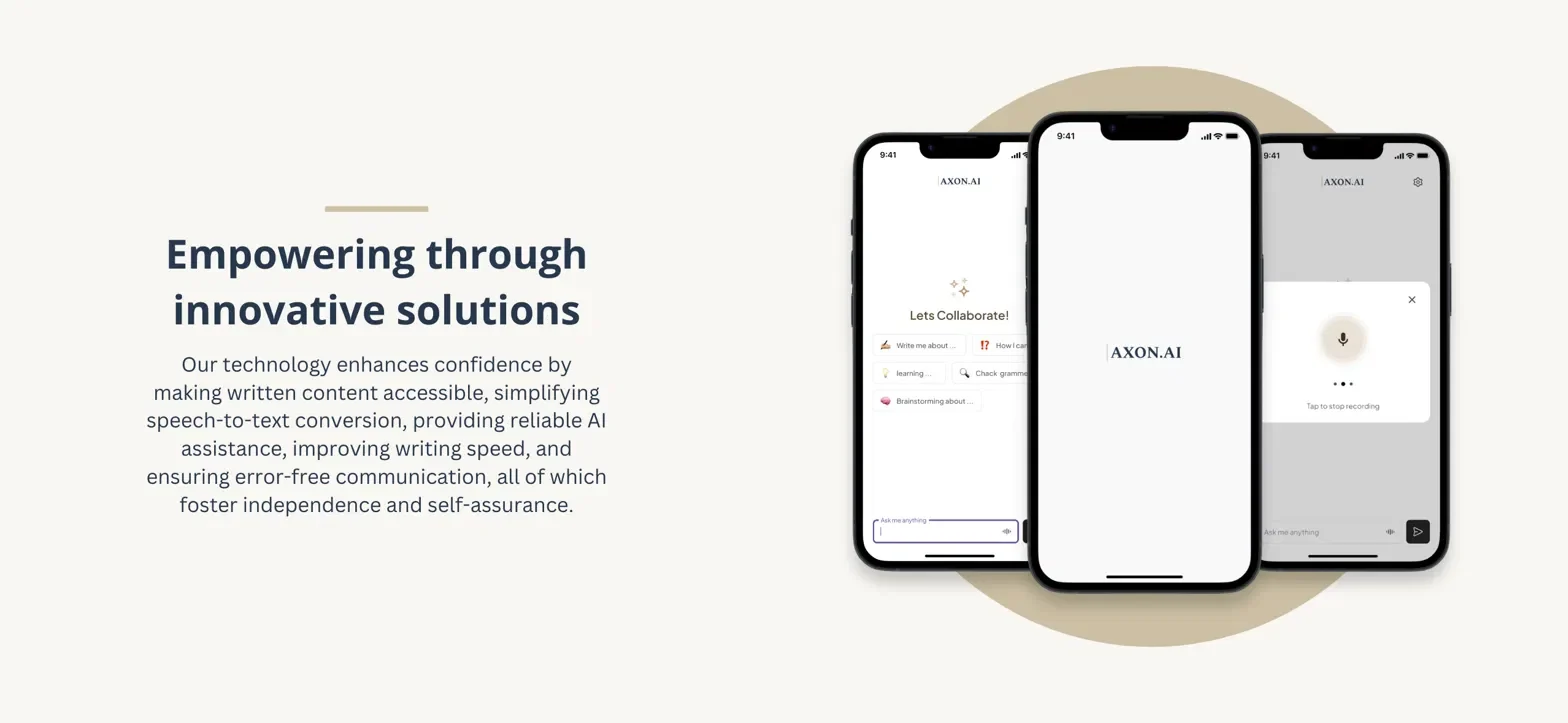
We designed the app around one friendly screen. At the bottom is a simple “Ask me anything” box with a microphone always within reach. Above it, quick-start prompts like “Write me about,” “Check grammar” and “Brainstorming about” give users a starting point with a single tap.
Users can speak naturally, and the app turns their words into accurate text. The AI can draft a full message from a short request, or paraphrase, reply to or continue an existing one. For example, “write a message for me to tell Ana congratulations, Christmas” becomes a warm, well-written note in seconds. Any response can be read aloud with one tap, then copied or shared. Finally, a tone changer rewrites a message as friendly, professional, business, academic, flirty or romantic, so it always fits whoever is reading it.
The results
The result is an app that turns writing from a chore into a quick, supported conversation. Users can go from a spoken idea to a clear, polished message without typing a word or asking anyone for help. Hearing their messages read back lets them check what they’ve written and take in long responses with ease. The tone tools give them confidence that their emails and texts land the right way, whether they’re writing to a colleague, a professor or a friend. For the client, the app delivers on its promise of enhancing confidence through technology, with a calm, accessible design that puts independence first.